
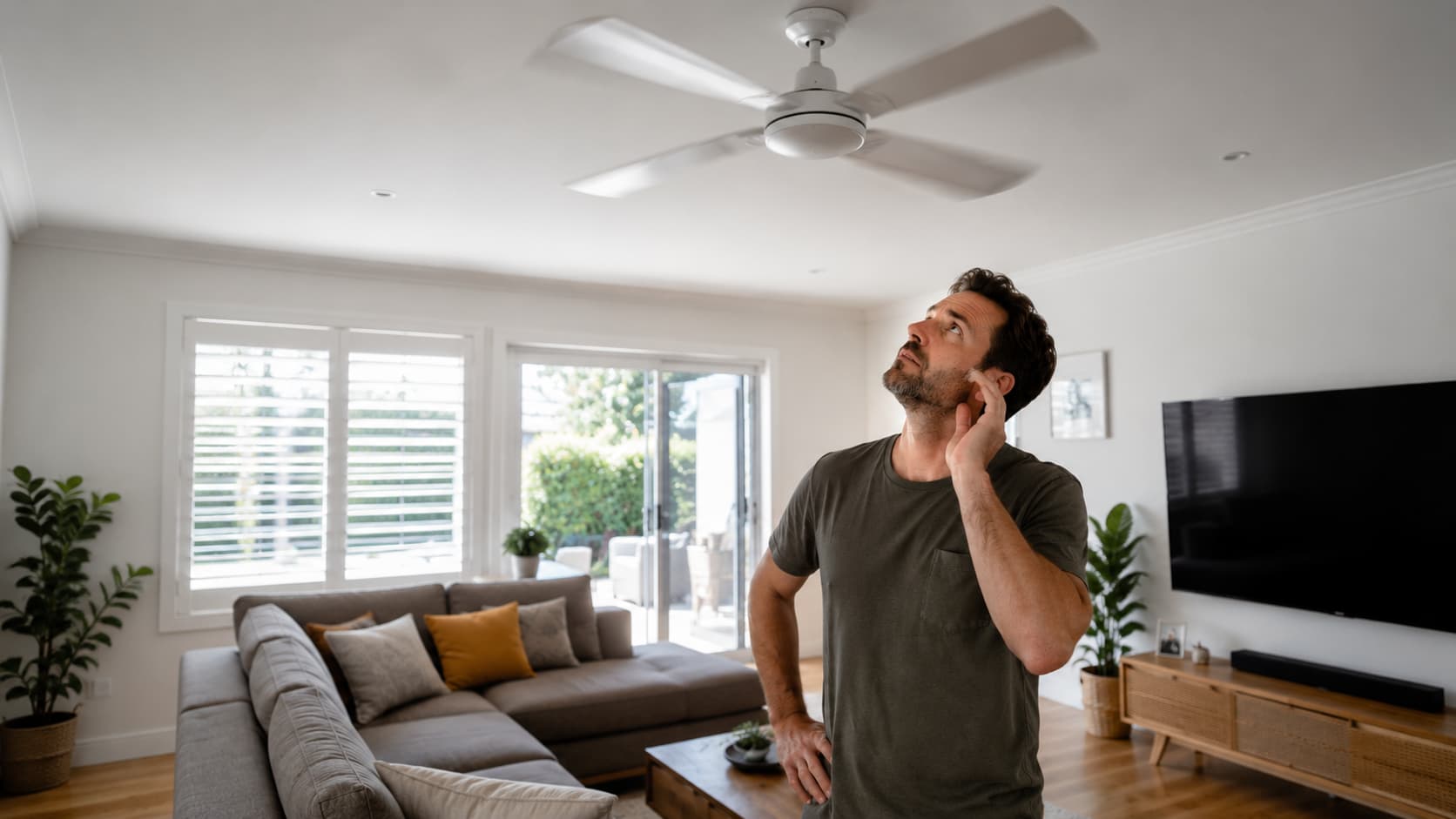
A humming noise from a ceiling fan may be because of an incompatible wall switch or an old capacitor. It can also point to a loose housing bracket vibrating against your ceiling, worn-out motor bearings, a loose screw, or another failing motor component.
While a slight hum is normal for some ceiling fans, a loud or constant humming noise often signals an electrical or mechanical problem that shouldn’t be ignored.
In this guide, you’ll learn what you can safely check yourself, when it’s time to call a licensed electrician, and the best solutions to get your ceiling fan running quietly again.
Is It Normal for a Ceiling Fan to Hum?
A slight humming sound is normal for some ceiling fans, especially when the motor is running. However, your fan should still operate quietly. If the humming becomes loud, constant, or gets worse over time, it’s often a sign that something needs attention.
- Low, gentle hum: usually a normal sound from the motor.
- Loud or persistent humming may indicate an electrical or mechanical problem.
- New fans: a small hum can be normal, but excessive noise may mean an installation or compatibility issue.
- Older fans: humming can develop as parts wear out or become loose.
If your ceiling fan suddenly starts humming or the noise is increasing, don’t ignore it. Finding the cause early can help prevent bigger problems and keep your fan running safely and efficiently.

What Causes a Ceiling Fan to Make a Humming Noise?
If your ceiling fan is humming, the good news is that the cause is often easy to identify. It could be a simple maintenance issue or an electrical component that needs replacing. Here are some of the most common reasons your ceiling fan may be humming, and what you can do about it.
1. Incompatible Wall Dimmer or Fan Speed Controller
One of the most common causes is using a standard light dimmer to control your ceiling fan.
Light dimmers aren’t designed for fan motors and can create electrical interference that makes the motor hum. This often happens after DIY renovations or when an old wall switch has been replaced with the wrong type.
To fix the problem, replace the dimmer with:
- a dedicated capacitive fan speed controller
- a quiet “de-hummer” controller
- the manufacturer’s compatible remote receiver
Avoid using universal light dimmers unless they are specifically designed for ceiling fans. If you’re unsure about your fan’s control system, our guide on the difference between AC and DC ceiling fans has more details.
2. Loose Screws and Mechanical Vibration
Over time, normal use can cause parts of your ceiling fan to loosen. Blade screws, blade irons, the motor housing, light kit, and mounting canopy can all vibrate while the fan is running, creating a noticeable humming sound.
Turn off the power before inspecting the fan. Tighten any loose screws, check for warped blades, and make sure the blades are properly balanced. Be careful not to overtighten screws, as this can damage the fan or strip the threads.
3. Worn or Dry Motor Bearings
As your ceiling fan gets older, the motor bearings can wear out or dry up. This increases friction inside the motor and may cause humming, grinding, or rough operation.
If your fan model allows it, apply the manufacturer’s recommended lubricant to the bearings. If the bearings are badly worn, replacing the motor or the entire fan is usually the most cost-effective solution.
4. A Failing Motor Capacitor
The capacitor helps regulate power to the motor and controls the different fan speeds. As it ages, it can fail, causing the fan to hum and spin improperly.
Common signs include:
- Humming while the blades barely move
- The fan only starts after you push the blades
- Inconsistent fan speeds
- A burning smell in severe cases
Look for signs of a faulty capacitor, such as swelling, leaking oil, or a melted casing. Because replacing a capacitor involves electrical work, it’s safest to have a licensed electrician carry out the repair. You may also find our article on why ceiling fans may stop working helpful.
5. Dirty or Unbalanced Fan Blades
Dust can build up unevenly on the blades, changing their weight and causing the fan to become unbalanced. This vibration can travel into the motor housing, creating a humming noise.
Clean each blade evenly, use a balancing kit if needed, and replace any damaged or warped blades.
6. Incorrect Installation
If the fan wasn’t installed correctly, it may develop vibration and electrical humming from the beginning. Common issues include a loose mounting bracket, an improperly secured electrical box, incorrect wiring, or poor alignment.
These problems should be inspected by a licensed electrician to ensure the fan is safe and securely installed. If you’re planning a new installation, read our guide on installing ceiling fans in apartments.
How to Troubleshoot a Humming Ceiling Fan Safely
If your ceiling fan is humming, you can perform a few simple checks before calling an electrician. Always switch off the power before inspecting the fan.
- Check the fan speed: See if the humming changes at different speed settings.
- Inspect the wall controller: Make sure you’re using a fan speed controller, not a standard light dimmer.
- Tighten visible hardware: Check the blade screws, motor housing, and mounting canopy.
- Clean the blades: Remove dust and ensure blades are balanced.
- Look for motor or capacitor issues: Watch for poor performance, unusual smells, or inconsistent speeds.
- Arrange an inspection: If the humming continues, stop using the fan and have a licensed electrician inspect it.
How to Prevent a Humming Ceiling Fan
A little maintenance can go a long way in keeping your ceiling fan running quietly and efficiently. Here are a few simple ways to help prevent humming:
- Clean the fan blades regularly to prevent dust build-up.
- Tighten visible screws during your seasonal cleaning.
- Use the correct fan speed controller for your ceiling fan.
- Avoid overloading the circuit with too many electrical appliances.
- Have older fans inspected if they start making unusual noises.
- Schedule an electrical inspection if your ceiling fan is more than 10–15 years old.
Regular maintenance can help you catch small problems early and extend the life of your ceiling fan.
When Is a Humming Ceiling Fan Dangerous?
A humming ceiling fan isn’t always serious, but some warning signs mean you should act straight away. Switch off the fan immediately if you notice any of the following:
- A burning smell
- An overheating motor housing
- Sparks or smoke
- The circuit breaker keeps tripping
- Loud electrical buzzing instead of a gentle hum
- Excessive wobbling while the fan is running
- Humming with a noticeable loss of speed
These symptoms could mean an electrical fault or a failing motor. Stop using the fan and contact a licensed electrician to inspect and repair it.
How Electricians Diagnose and Fix a Humming Ceiling Fan
If you can’t find the cause of the humming, a licensed electrician can safely inspect your ceiling fan and recommend the right solution. They may:
- Test whether the wall speed controller is compatible with your fan.
- Replace faulty fan controllers or dimmer switches.
- Inspect and replace a faulty motor capacitor if needed.
- Check wiring connections inside the ceiling canopy.
- Tighten and secure the mounting bracket.
- Diagnose worn bearings or internal motor faults.
- Test the voltage supply and electrical connections.
- Advise whether repairing or replacing the fan is the most cost-effective option.
- Install a new ceiling fan if the existing one has reached the end of its service life.
Electrical testing, capacitor replacement, and wiring repairs should always be carried out by a licensed electrician to ensure your fan is safe and operating correctly.
Get Your Ceiling Fan Running Quietly Again
A humming ceiling fan is often caused by an incompatible speed controller, loose hardware, worn motor bearings, or a failing capacitor.
While you can safely tighten loose screws, clean the blades, and check for obvious issues, ongoing humming or signs of an electrical fault should never be ignored. A licensed electrician can diagnose the problem, make safe repairs, and ensure your fan is working properly.
If your ceiling fan is making an unusual noise or isn’t performing as it should, contact SBH Electrical on 0457 759 723 or book a professional inspection.